Table of Contents
- Step 1: What is Python?
- Step 2: Installing Python
- Step 3: Writing Your First Python Code
- Step 4: Python Basics
- Step 5: Learning Resources
Introduction
Python is one of the most popular programming languages in the world, known for its simplicity and versatility. Whether you’re a seasoned developer or a complete novice, Python is an excellent choice for writing code and automating tasks. In this blog, we’ll introduce you to Python and provide a step-by-step guide on how to get started with coding in Python.
What is Python?
Python is a high-level, interpreted programming language that was created by Guido van Rossum and first released in 1991. It is designed with an emphasis on readability and simplicity, making it an excellent choice for beginners. Python’s clear and concise syntax allows developers to express concepts in fewer lines of code compared to other languages, which leads to improved productivity.
Python is a versatile language with a wide range of applications, including:
Web development
Data analysis
Machine learning and artificial intelligence
Automation and scripting
Scientific computing
Game development
Internet of Things (IoT)
Python’s extensive standard library and a vibrant open-source community mean there are thousands of libraries and frameworks available, simplifying a wide range of tasks. With a strong focus on code readability and ease of use, Python is an excellent choice for both newcomers and experienced developers.
Installing Python
Before you can start coding in Python, you need to have Python installed on your system. Here’s how to do it:
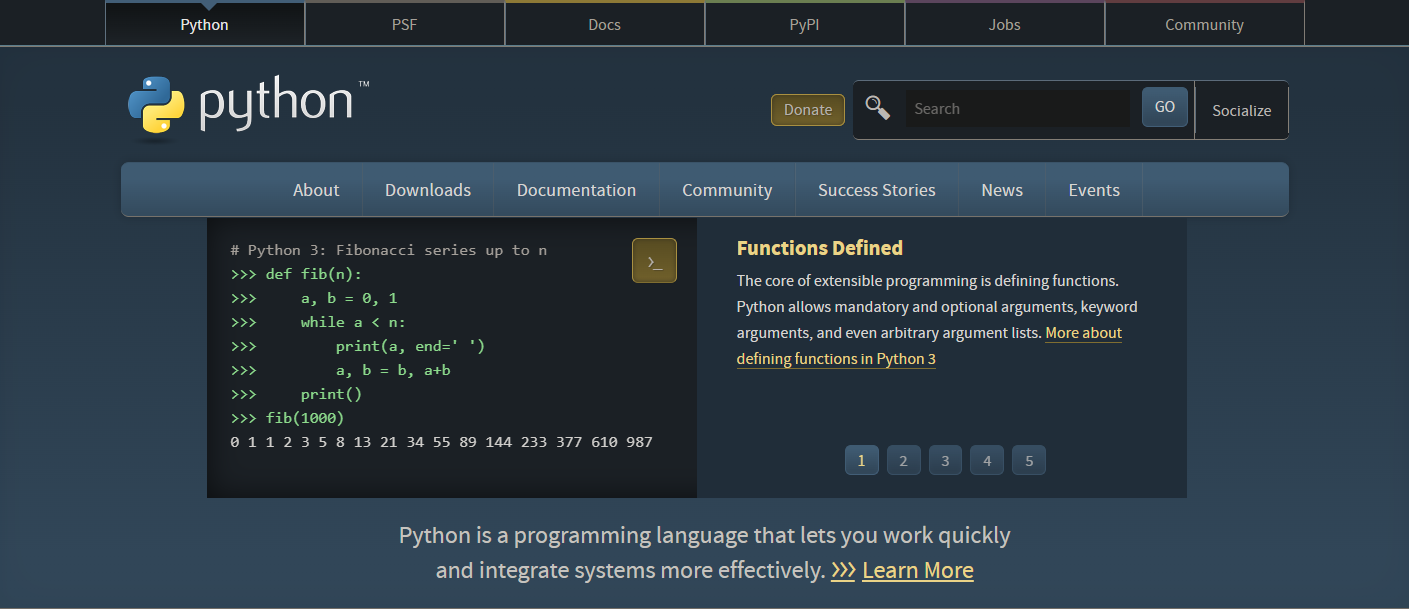
1. Visit the Python website: Go to python.org and download the latest version of Python for your operating system.
2. Install Python: Run the installer and follow the on-screen instructions. Make sure to check the box that says “Add Python to PATH” during the installation process. This ensures that you can run Python from the command line or terminal.
3. Verify Installation: Open a command prompt or terminal and type python --version or python3 --version to confirm that Python is correctly installed.
Writing Your First Python Code
Now that you have Python installed, let’s write your first Python program. You can use any code editor you prefer, such as Visual Studio Code, PyCharm, or even a simple text editor. Here’s a basic “Hello, World!” example:
print("Hello, World!")
To run the code, save it with a .py extension (e.g., hello.py) and open your command prompt or terminal. Navigate to the directory where you saved the file and type:
python hello.py
You should see the output “Hello, World!” displayed on your screen. Congratulations, you’ve written and executed your first Python program!
Python Basics
To continue your Python journey, it’s essential to learn some fundamental concepts:
- Variables: Variables store data. You can declare a variable and assign a value to it using the
=operator.
  name = "Alice"

  age = 30
Data Types: Python supports various data types, including integers, floating-point numbers, strings, lists, and dictionaries.
Control Flow: Python uses if-statements and loops (e.g.,
forandwhile) to control the flow of your program.Functions: Functions are blocks of reusable code. You can define your functions to perform specific tasks.
Modules and Libraries: Python has a rich standard library, and you can also install external libraries using tools like
pip.Comments: Use the
#symbol to add comments to your code, explaining what it does for better readability.
Learning Resources
Python offers an abundance of resources to help you become proficient:
Online Tutorials: Websites like Codecademy and Python.org provide comprehensive tutorials.
Books: Books like “Python Crash Course” by Eric Matthes and “Automate the Boring Stuff with Python” by Al Sweigart are excellent for beginners.
Courses: Platforms like Coursera and edX offer Python courses from top universities.
Community: Join forums and communities like Stack Overflow and Reddit’s /r/learnpython to get help and share knowledge.
Conclusion
Python is a powerful, user-friendly programming language that is ideal for both beginners and experienced developers. With a plethora of resources available for learning and a supportive community, you’re well-equipped to begin your coding journey. So, what are you waiting for? Dive into Python and start building your next exciting project!